Compare Miro and Mockup BuilderComparison | |
|---|---|
 MiroThe online collaborative whiteboard platform to bring teams together, anytime, anywhere. Find out more | Mockup Builder
MockupBuilder is an online design tool that helps you create stunning visuals for websites, apps, and more. It's easy to use and offers a wide range of features to help you create professional-looking designs quickly and easily. Find out more |
| Try Miro | Try Mockup Builder |
| Why you should consider it | |
|---|---|
|
|
| What are the benefits? | |
|
|
| Things to look out for | |
| |
| Who is it for? | |
|
|
| Features | |
Graphic Designers
Keep up to date about Collaboration offers like Miro
PrivacyMiro
Miro is an online collaborative whiteboard platform that enables teams to work together remotely. It provides a virtual space for teams to brainstorm, collaborate, and share ideas in real-time.
The platform offers a range of features, including an infinite canvas, sticky notes, and a library of templates. It also allows users to embed videos, images, and documents, as well as integrate with other tools such as Slack, Dropbox, and Google Drive.
Who Uses Miro?
Miro is used by teams of all sizes, from small startups to large enterprises. It is particularly popular with product teams, designers, marketers, and remote teams. It is also used by educators and students for online learning and collaboration.
Work together, wherever you workIn the office, remote, or a mix of the two, with Miro, your team can connect, collaborate, and co-create in one space no matter where you are. |  |
Connect your tools, | 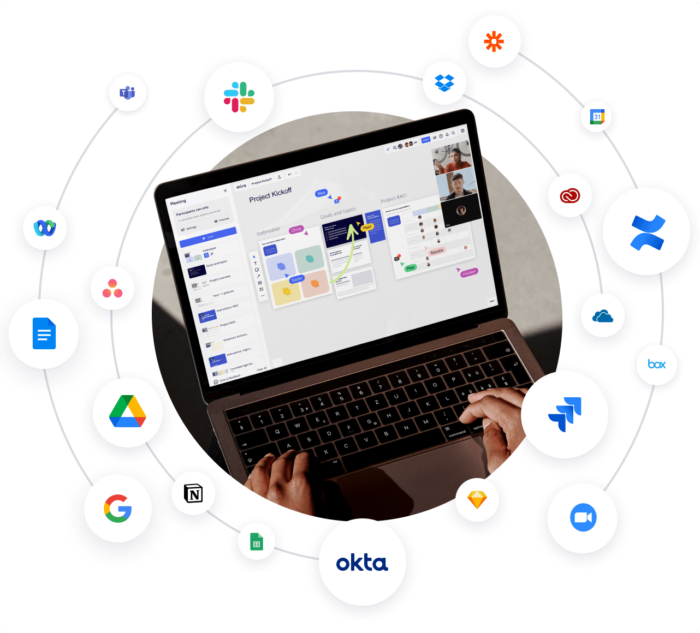 |
BrainstormingUnleash creative ideas and build on them with the help of sticky notes, images, mind maps, videos, drawing capabilities — the list goes on. | 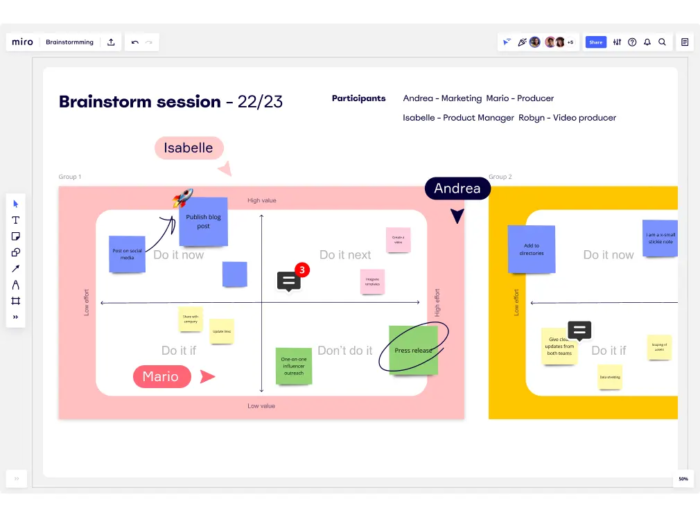 |
DiagrammingFlowcharts, Swimlanes, Strategic Planning — tap into one of our many diagrams to visualize projects and ideas of any scope. | 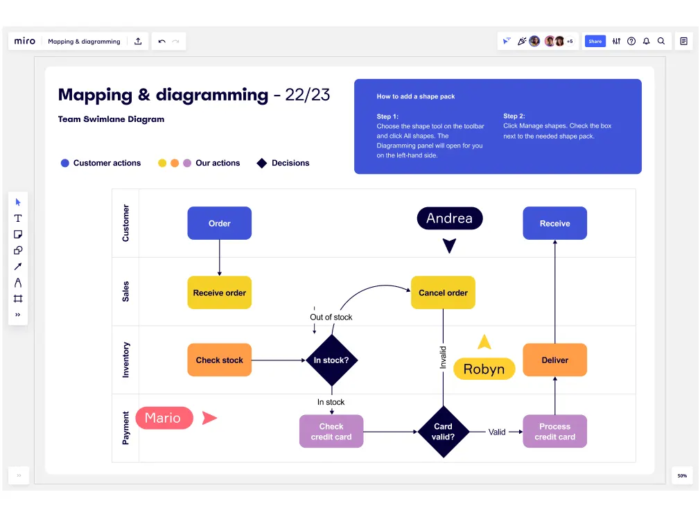 |
Meetings & WorkshopsGive everyone in the room — even if they're miles away — a chance to connect and interact with sticky notes, voting, live reactions, and icebreakers. | 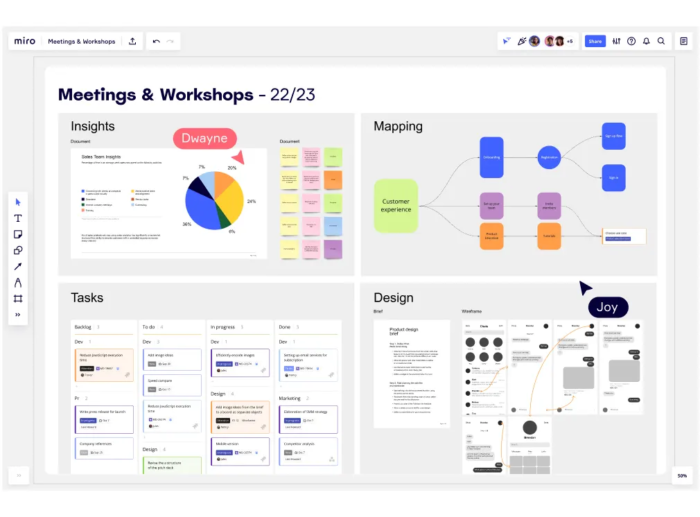 |
MappingPlan projects, map out information architecture, or create org charts — you can plot it all in minutes on a Miro board. | 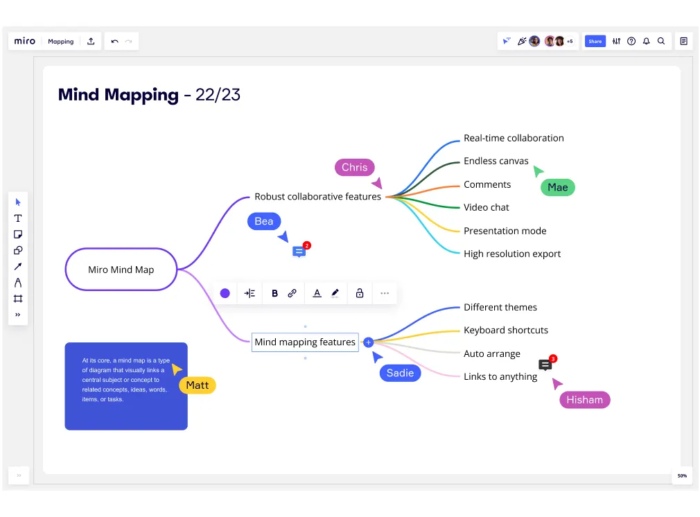 |
Research & DesignFoster a customer-centric mindset and build a shared team space, where everyone can capture insights, structure them with diagrams and tables, and share it all in a central spot. | 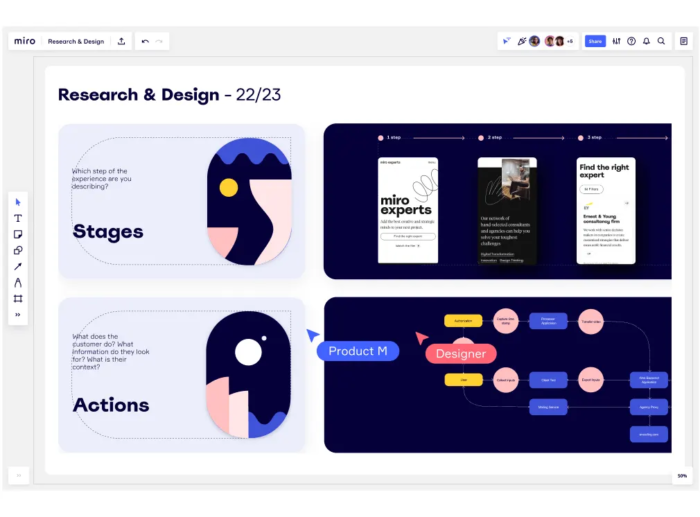 |
Help & Support
- What is Miro?
- Miro is an online collaborative whiteboard platform that enables distributed teams to work effectively together, from brainstorming with digital sticky notes to planning and managing agile workflows.
- What features does Miro offer?
- Miro offers a wide range of features, including real-time collaboration, an infinite canvas, customizable templates, integration with popular tools, and more.
- How do I get started with Miro?
- Getting started with Miro is easy. Just sign up for a free account and you can start creating boards right away. You can also explore our tutorials and resources to learn more about how to use Miro.
- What type of files can I upload to Miro?
- Miro supports a wide range of file types, including images, videos, PDFs, and more. You can also integrate with popular tools like Dropbox, Google Drive, and Box to upload files directly to Miro.
- Does Miro offer a mobile app?
- Yes, Miro offers a mobile app for both iOS and Android devices. The app allows you to access and collaborate on your boards from anywhere.
- Does Miro offer customer support?
- Yes, Miro offers customer support via email and live chat. You can also find helpful tutorials and resources in our Help Center.
- What is Miro?
- Miro is an online collaborative whiteboard platform that enables distributed teams to work effectively together, from brainstorming with digital sticky notes to planning and managing agile workflows.
- What features does Miro offer?
- Miro offers a wide range of features, including real-time collaboration, an infinite canvas, customizable templates, integration with popular tools, and more.
- How do I get started with Miro?
- Getting started with Miro is easy. Just sign up for a free account and you can start creating boards right away. You can also explore our tutorials and resources to learn more about how to use Miro.
- What type of files can I upload to Miro?
- Miro supports a wide range of file types, including images, videos, PDFs, and more. You can also integrate with popular tools like Dropbox, Google Drive, and Box to upload files directly to Miro.
- Does Miro offer a mobile app?
- Yes, Miro offers a mobile app for both iOS and Android devices. The app allows you to access and collaborate on your boards from anywhere.
- Does Miro offer customer support?
- Yes, Miro offers customer support via email and live chat. You can also find helpful tutorials and resources in our Help Center.
Mockup Builder
MockupBuilder is a comprehensive design tool for creating mockups, wireframes, and prototypes. It is a great tool for designers of all levels, from beginners to professionals. It offers a wide range of features and benefits, including an intuitive drag-and-drop interface, a library of pre-made components, and the ability to collaborate with other designers.
It also has a wide range of integrations with other popular design tools, such as Adobe Photoshop and Sketch. MockupBuilder is a great choice for those looking for an easy-to-use and powerful design tool.
Key Benefits and Features
- Intuitive drag-and-drop interface
- Library of pre-made components
- Ability to collaborate with other designers
- Wide range of integrations with other popular design tools
How It Compares to Competitors
MockupBuilder is a great choice for those looking for an easy-to-use and powerful design tool. It offers a wide range of features and benefits, including an intuitive drag-and-drop interface, a library of pre-made components, and the ability to collaborate with other designers.
It also has a wide range of integrations with other popular design tools, such as Adobe Photoshop and Sketch. MockupBuilder is a great choice for those looking for an easy-to-use and powerful design tool that is more affordable than its competitors.
Help & Support
- What is Mockup Builder?
- Mockup Builder is a web-based application that allows you to create interactive mockups of your website or application quickly and easily.
- What features does Mockup Builder offer?
- Mockup Builder offers a wide range of features, including drag-and-drop editing, real-time collaboration, and a library of pre-made components.
- How do I get started with Mockup Builder?
- Getting started with Mockup Builder is easy. Just sign up for an account and you can start creating mockups right away.
- What browsers does Mockup Builder support?
- Mockup Builder supports the latest versions of Chrome, Firefox, Safari, and Edge.
- Does Mockup Builder offer a free trial?
- Yes, Mockup Builder offers a free 14-day trial so you can try out all of its features before committing to a paid plan.
- Does Mockup Builder offer customer support?
- Yes, Mockup Builder offers customer support via email and live chat.