Compare LucidSpark and MoqupsComparison | |
|---|---|
 LucidSparkThe virtual whiteboard that connects teams so they can bring their best ideas to life Find out more |  MoqupsMake wireframes, mockups, diagrams, charts, and prototypes within one creative context. Find out more |
| Try LucidSpark | Try Moqups |
| Why you should consider it | |
|---|---|
|
|
| What are the benefits? | |
|
|
| Who is it for? | |
|
|
| Features | |
Keep up to date about Collaboration offers like LucidSpark
PrivacyThe virtual whiteboard that connects teams so they can bring their best ideas to life.
A nimble space to brainstormCapture team insights with sticky notes, freehand drawing, and color-coded cursors, shapes, and lines for each collaborator. Work together on an infinite canvas that expands to hold even the biggest ideas.Capture and share your ideas on a digital canvas that has all the flexibility you need. | 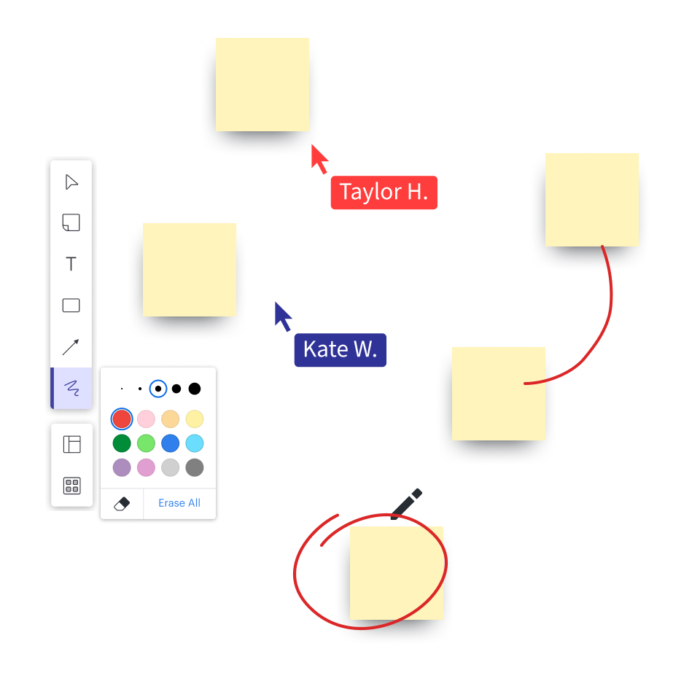 |
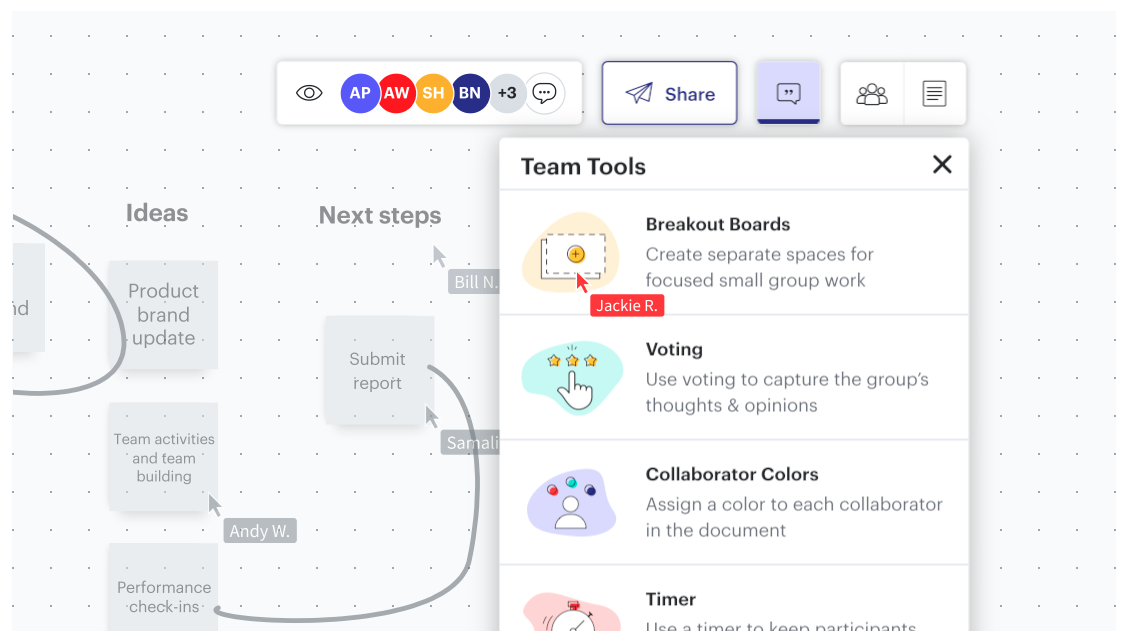
Collaboration just got a major upgradeShare your ideas with your team in a visual workspace built for inspiration. Hop into Breakout Boards and swap feedback in the chat. You bring the vision, we’ll bring the sticky notes, emojis, and a handy built-in timer. P.S. Lucidspark makes facilitating meetings a breeze. | 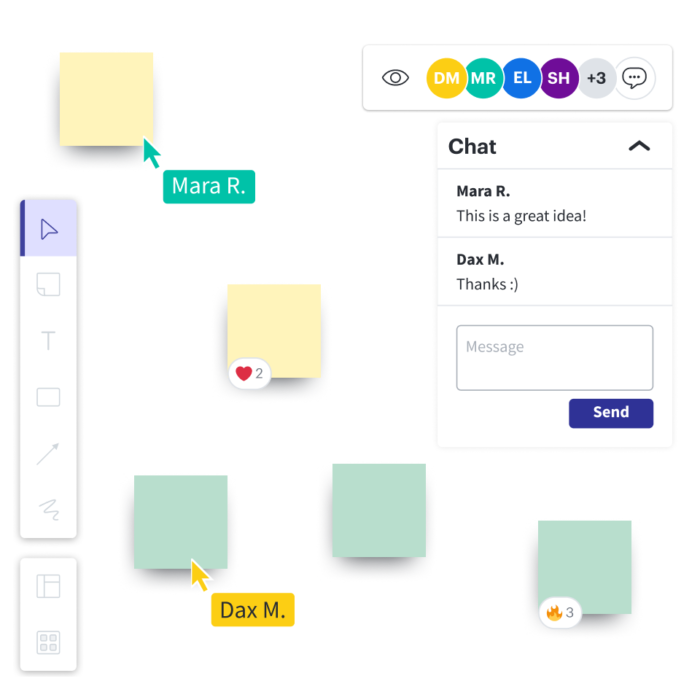 |
Launch ideas into actionDon’t let all your hard work go to waste. Take your scribbles and sticky notes and transform them into next steps by voting on ideas, grouping insights by themes and trends, and crafting workflows and project documentation. | 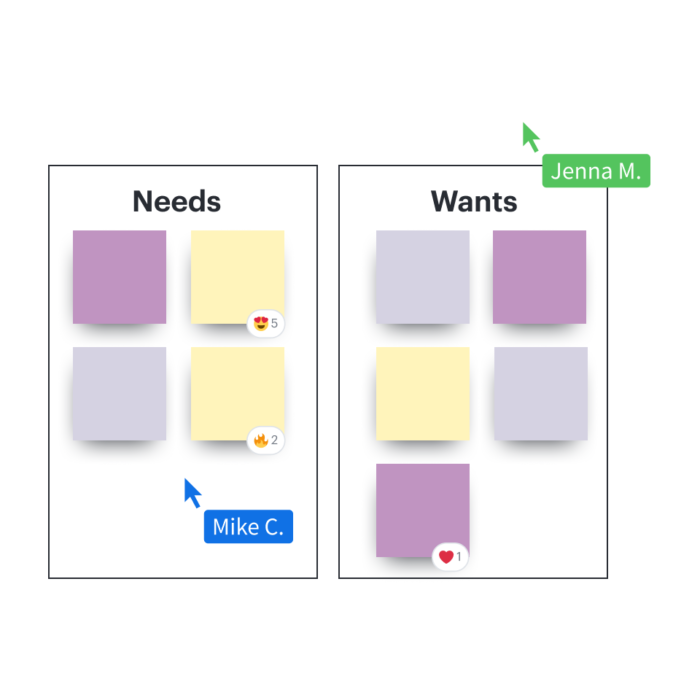 |
Breakout BoardsTemplates are a simple way to dive right in and get to work. The template library is packed with intuitive frameworks for everything from user journey mapping to sprint planning. | 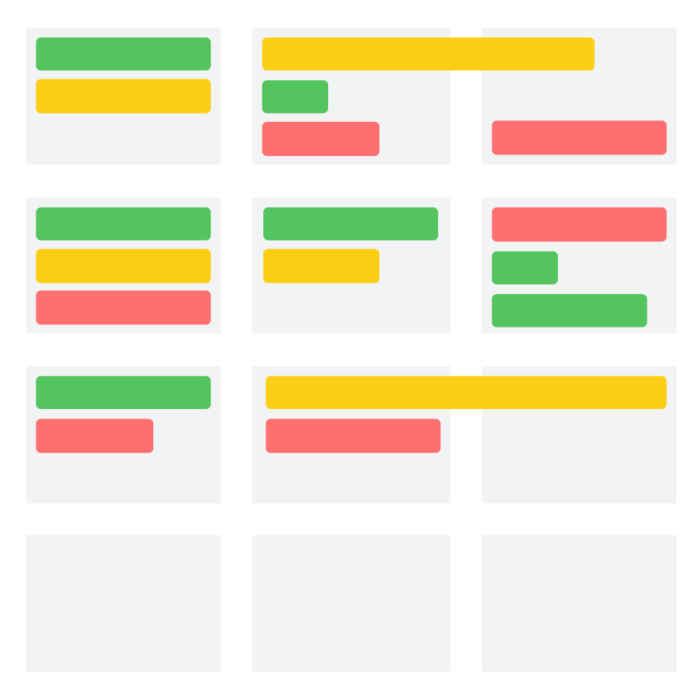 |
An all-in-one online design platform that's smart, simple and fast.
Moqups is an online design and prototyping tool that helps teams create and collaborate on wireframes, mockups, diagrams, and prototypes. It is a web-based application that enables users to quickly create interactive prototypes for websites and mobile applications.
Moqups provides a wide range of features, including drag-and-drop elements, vector drawing tools, and a library of icons and illustrations. It also offers collaboration tools, such as real-time editing, version control, and commenting. Moqups is used by teams of all sizes, from startups to large enterprises.
Envision, test and validate your ideas with quick wireframes and detailed mockups.
Explore and iterate as your team builds momentum - moving seamlessly from lo-fi to hi-fi as your project evolves.

Capture concepts and give direction to your projects with our professional diagramming tools.
Create site-maps, flowcharts, storyboards - and jump effortlessly between diagrams and designs to keep your work in sync.

Create a functional prototype by adding interactivity to your designs.
Simulate the user experience, uncover hidden requirements, find dead ends, and get final sign-off from all stakeholders before investing in development.

Keep everybody on the same page, providing feedback at every stage of the design process.
Hear all voices, consider all options - and establish consensus - by editing in realtime and commenting directly on the designs.
