Compare GIMP and VismeComparison | |
|---|---|
GIMPGIMP - The GNU Image Manipulation Program: The Free and Open Source Image Editor Find out more |  VismeCreate professional presentations, interactive infographics, beautiful design and engaging videos, all in one place. Start using Visme today. Find out more |
| Try GIMP | Try Visme |
| Why you should consider it | |
|---|---|
| |
| What are the benefits? | |
| |
| Things to look out for | |
| |
| Who is it for? | |
|
|
| Features | |
Artists
Keep up to date about Animation Software offers like GIMP
PrivacyGIMP
GIMP: A Powerful Image Editing Software
Overview
GIMP (GNU Image Manipulation Program) is a free and open-source image editing software that is available for Windows, Mac, and Linux operating systems.
It is a powerful tool that allows users to manipulate and edit images with a variety of features and tools.
Who Should Use It?
- Graphic designers
- Photographers
- Web developers
- Artists
- Anyone who wants to edit images
Key Benefits and Features
- Free and open-source
- Supports a wide range of image file formats
- Customizable user interface
- Advanced tools for image retouching, editing, and manipulation
- Supports layers, masks, and channels
- Ability to create animations and GIFs
- Plugins and scripts for added functionality
Comparison with Competitors
GIMP is often compared to other image editing software such as Adobe Photoshop and CorelDRAW.
While these software programs have more advanced features and are often used by professionals, GIMP is a great alternative for those who are looking for a free and open-source option.
GIMP also has a strong community of users who share tutorials and plugins, making it a great option for beginners who want to learn more about image editing.
Help & Support
- Is there a community of GIMP users I can join?
- Yes, there is a large community of GIMP users and developers that you can join for support and collaboration.
- Can I contribute to GIMP development?
- Yes, GIMP is an open-source project and welcomes contributions from developers and users.
- What is GIMP?
- GIMP is a free and open-source image editing software.
- What platforms does GIMP support?
- GIMP is available for Windows, macOS, and Linux.
- Is GIMP really free?
- Yes, GIMP is completely free to download and use.
- What file formats does GIMP support?
- GIMP supports a wide range of file formats including JPEG, PNG, GIF, BMP, TIFF, PSD, and many more.
- Does GIMP have any limitations?
- GIMP does not have any major limitations, but some users may find it less user-friendly than other image editing software.
- Can I use GIMP for professional work?
- Yes, GIMP can be used for professional work and is often used by graphic designers, photographers, and other professionals.
Visme
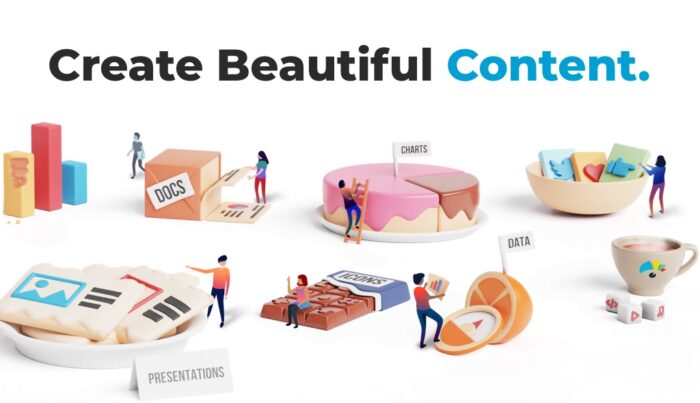
Visme is an all-in-one visual content creation platform that enables users to create engaging presentations, infographics, reports, and other visuals.
With Visme, users can create stunning visuals without any design experience. The platform offers a wide range of features and benefits, including:
- Easy-to-use drag-and-drop editor
- Hundreds of templates and themes
- Access to millions of free stock photos and videos
- Ability to add interactive elements to visuals
- Integration with popular tools like Dropbox, Google Drive, and more
- Ability to collaborate with team members in real-time
- Ability to export visuals in multiple formats
- Ability to share visuals with a single link